
前言
DDNS(Dynamic Domain Name Server/动态域名服务 可以随时将本地服务器的IP更新至域名解析。
获取cloudflare里面授权key
1.登录cloudflare
2.进入DNS里面,设置用于 DDNS 解析的二级域名,ip可以随意填写,后面脚本会通过api修改
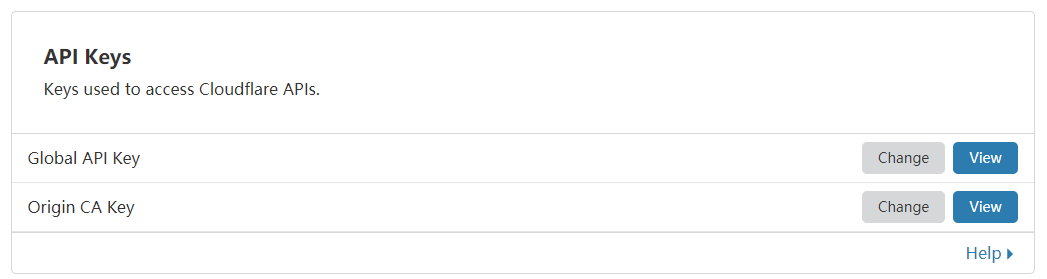
3.进入https://dash.cloudflare.com/profile/api-tokens获限全局Global API Key
下载 DDNS 脚本
curl https://raw.githubusercontent.com/aipeach/cloudflare-api-v4-ddns/master/cf-v4-ddns.sh > /root/cf-v4-ddns.sh && chmod +x /root/cf-v4-ddns.sh
修改cf-v4-ddns.sh脚本配置
vi ./cf-v4-ddns.sh
主要是下面几项:
# incorrect api-key results in E_UNAUTH error
# 填写 Global API Key
CFKEY=

# Username, eg: [email protected]
# 填写 CloudFlare 登陆邮箱
CFUSER=

# Zone name, eg: example.com
# 填写需要用来 DDNS 的一级域名
CFZONE_NAME=

# Hostname to update, eg: homeserver.example.com
# 填写 DDNS 的二级域名(只需填写前缀)
CFRECORD_NAME=
测试脚本
./cf-v4-ddns.sh
设置定时任务
crontab -e
添加一行
*/2 * * * * /root/cf-v4-ddns.sh >/dev/null 2>&1
如果需要日志,替换上一行代码
*/2 * * * * /root/cf-v4-ddns.sh >> /var/log/cf-ddns.log 2>&1
